Care Routines for 3D Printed Model Cars: Protecting Parts That Move
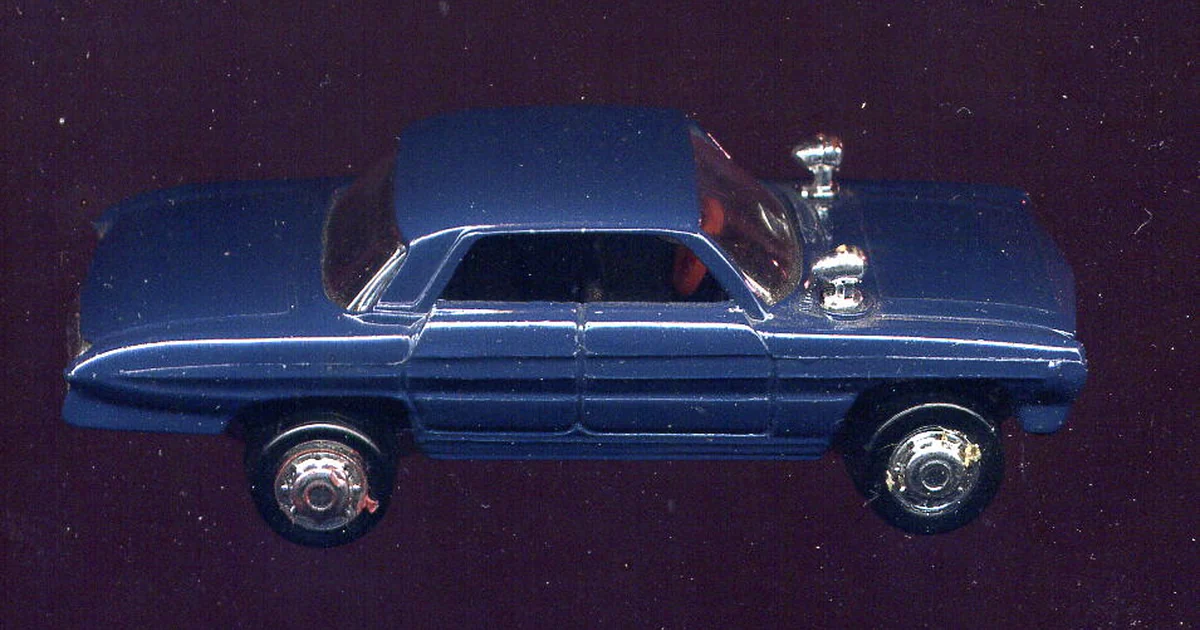
Many collectors assume that a 3D printed model car is either fragile or indestructible, and both assumptions lead to avoidable damage. The truth sits in between. Printed parts can hold fine detail for years when they are handled with care, stored in stable conditions, and checked on a regular schedule. The weak points are rarely the bodywork. They are the moving parts: axles, hinges, wheel mounts, steering linkages, and the small connectors that hold assemblies together. This article focuses on a care routine built around those points. It does not promise any particular outcome for your pieces. Instead, it gives you a method for noticing wear early and deciding what to do about it.
Start With a Map of Moving Parts
Before you can care for a model, you need to know where it is likely to fail. Pick up each piece and move it slowly through its intended range. Note every point where two surfaces meet and slide, rotate, or snap together. These are your joint zones. On a typical printed car this includes wheel axles, suspension struts, door hinges, steering pivots, and any clip-fit panels meant to be removed for display.
Write these zones down in a simple list for each model. Next to each one, note whether the joint was designed to be repeatedly moved or whether it is a set-and-forget fit. Many collectors discover that a single model contains both types, and that the set-and-forget parts are being flexed by well-meaning owners who want to show off a feature. A written map turns a vague worry into a specific list you can check.
Build a Gentle Handling Habit
Most joint damage comes from handling rather than age. The common mistakes are gripping a model by a protruding part such as a mirror, antenna, or spoiler; forcing a wheel past its stop; and lifting a model by its roof while the chassis is still attached to a loose base. A better habit is to support the mass of the car with both hands, keep fingers away from thin parts, and move each articulated element only as far as it travels without resistance.
If a movement feels stiff, stop. Stiffness usually means a particle, a deposit of dust or oil from your fingers, or a slightly misaligned pivot. Pushing harder converts a small problem into a cracked boss. Clean the joint with a dry brush or a lint-free cloth first, then test again. Only consider a lubricant if your manufacturer or the printed material's documentation permits one, and test it on a hidden area first.
Inspect Connectors and Fit Points on a Schedule
Connectors deserve their own inspection routine. Snap-fit clips, press-fit pins, and friction-fit panels all loosen gradually as they are assembled and disassembled. A panel that once clicked firmly may start to rattle, and a rattle is an early warning. Once a quarter, or whenever you rotate a model out of display, run a simple check: gently wiggle each removable part, look for light gaps that were not there before, and compare the fit with your written notes from the first inspection.
Record what you find. A short entry such as "left door hinge: slight play, unchanged since last check" is more useful than a vague feeling that something seems looser. Over time these notes show whether a joint is stable or degrading, which tells you whether to change how you handle the model or whether to stop moving that part entirely.
Control the Environment Around the Model
Light, temperature, and humidity all affect printed materials over time, though the degree depends on the material and the finish. Direct sunlight can fade colors and may soften some surface finishes. Large swings in temperature can stress joints because different parts may expand and contract at different rates. Damp air invites dust to cling and can encourage residue to build up on surfaces. The practical response is to keep models out of direct sun, away from heating vents and radiators, and in a room where conditions stay relatively steady.
Display cases help, but a case also traps heat and dust if it is sealed tightly against a warm wall. Check whether your case allows air movement, and whether the model sits in a position where its weight is supported evenly rather than resting on a single wheel or a thin mirror. Ask the seller or maker what materials and finishes are used, and whether they have published any storage guidance. If the answer is unclear, treat the piece conservatively.
A Checklist for Each Maintenance Session
Use the same short routine each time so that results are comparable. Begin by photographing the model in good light from the same three angles you used before, so you can spot changes later. Next, dust the surfaces with a soft brush, working from the top down so debris does not fall onto cleaned areas. Then move each articulated part through its normal range, noting any stiffness, grinding, or unexpected play. Check each connector and removable panel for fit. Look closely at edges, corners, and thin protrusions for chips, whitening, or hairline cracks, using a magnifier if needed.
Finish by returning the model to its display position, confirming that it is stable, and updating your log with the date, any changes observed, and any actions taken. If you found a problem you cannot explain, stop handling the piece until you understand it. Ask yourself whether the issue came from a new source of stress, an environmental change, or a part that was already weak when you acquired it. Those three questions usually narrow the cause quickly and tell you what to change.